Technical photo guide
How to crop dating-app photos without blur or cut-off faces
Use the original high-resolution file, keep the face and important body details inside a generous central safe area, then inspect the actual thumbnail, card and expanded profile before publishing. Bumble currently documents one upload recommendation. The current Tinder and Hinge pages reviewed do not publish one permanent cross-app display ratio, so a live preview is part of the job.
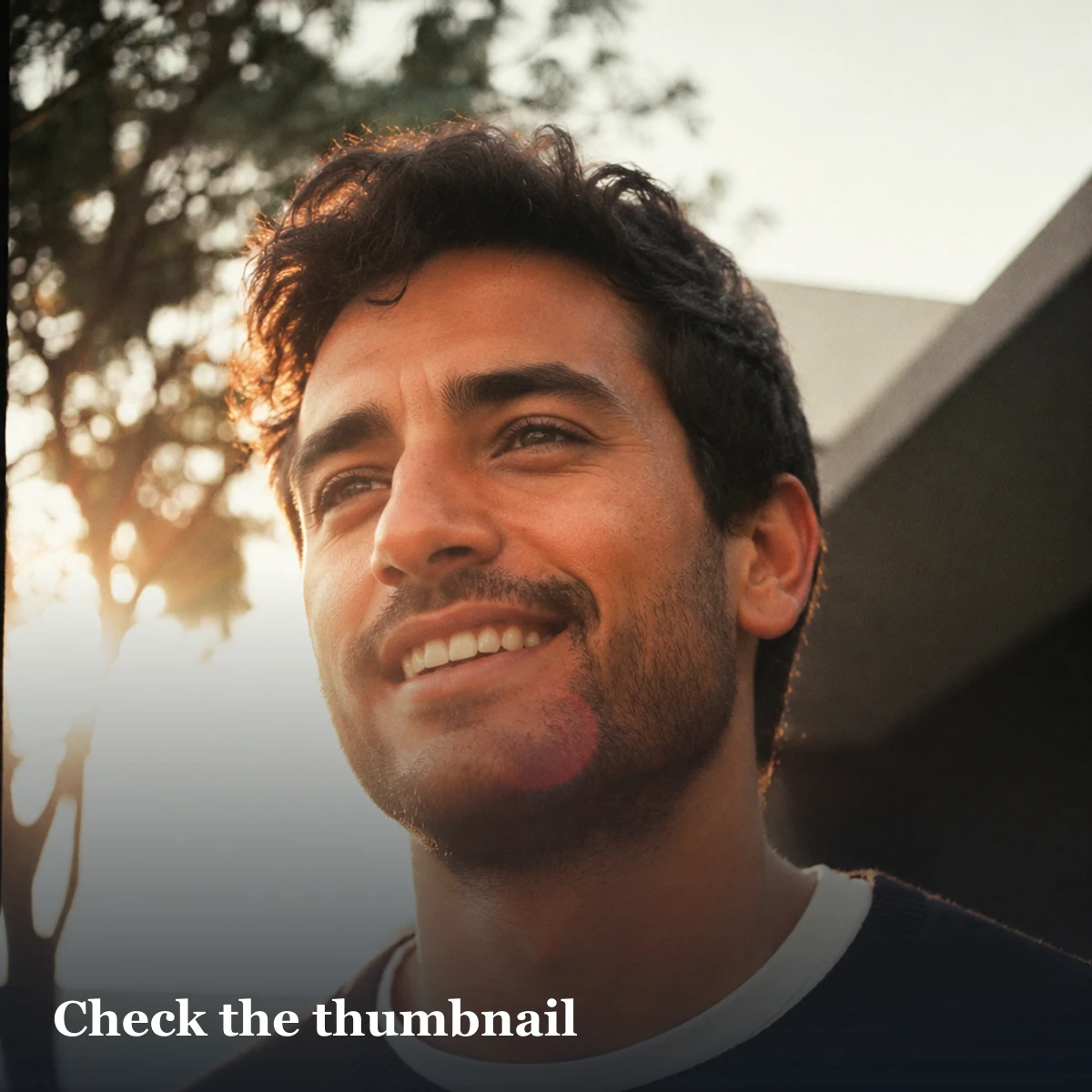
Test one master in three crops
Private by design: this tool does not upload or store the photo. The previews are created inside this browser tab.
Choose a JPG, PNG or WebP to compare three common crop shapes.
Important: these are comparison shapes, not official Tinder, Hinge or Bumble ratios. Always confirm the current in-app preview.
Decision rule: use the current app preview, not an assumed universal ratio. Return to the uncropped original when any view fails; replace the photo if a normal crop cannot preserve identity and meaning.
First decide: crop, recapture or replace?
| Starting problem | Right action | Stop when |
|---|---|---|
| Useful real photo with extra empty space | Crop from the original | The subject remains recognisable and the scene still tells the same truth |
| Face or body is already cut in the source | Recapture or choose another frame | Repair would require inventing missing pixels or an extreme zoom |
| Subject is tiny in a wide landscape | Test a moderate portrait crop | The face becomes soft or the activity context disappears |
| Screenshot, forwarded copy or social-media download | Find the original file | The original cannot be recovered; use a different photo |
| Another person or private detail is at the edge | Check consent and meaning before cropping | The crop creates ambiguity, leaves a partial person or does not resolve permission |
Fix the symptom, not the wrong cause
| What you see | Likely cause to test | Next check |
|---|---|---|
| Forehead or chin disappears | The source is too tight or the app fills a taller card | Return to a wider original and leave head-and-shoulder margin |
| Full-body photo loses feet | The important detail sits near an uncertain edge | Use a wider source; do not stretch or fabricate the missing floor |
| Photo looks soft after upload | The source was small, repeatedly saved, heavily zoomed or already compressed | Compare file dimensions and sharpness with the untouched original |
| Photo turns sideways | Orientation metadata or an export step was interpreted differently | Open, rotate and export one fresh copy from the original editor |
| Black or coloured bars appear | Padding was added to force a ratio | Preview without padding; keep bars only if the app accepts them and the frame still looks intentional |
| Upload is refused | Format, size, connection or a current app rule may be involved | Use the app's current help page and support flow rather than guessing a new ratio |
Build one crop-safe master
- Use the original file rather than a screenshot from social media.
- Duplicate it before editing so every later version can return to the same source.
- Choose portrait orientation when the composition supports it; do not rotate a landscape story into nonsense.
- Keep both eyes, hair, chin and shoulders away from uncertain outer edges.
- For full-body frames, leave visible space above the head and below the feet.
- Keep hands, activity objects and any detail needed to understand the scene inside the safe area.
- Export once at high quality in a format the current app documents or accepts.
- Upload and inspect the actual thumbnail, card, profile and editing previews.
What the apps actually document in October 2026
| App | Verified guidance | What it does not prove |
|---|---|---|
| Bumble | JPG or PNG, up to 128 MB, ideally 1024 × 1024 pixels | That every Bumble surface will preserve the complete square |
| Tinder | Current Photo Tips covers set-level quality and variety; Photo Enhance can adjust technical quality and lets the member compare or revert | A permanent upload ratio, file-size limit or crop that applies to every screen |
| Hinge | For Selfie Verification, a front-facing profile image should be crisp, unfiltered, solo and must not crop the face or head | A general display size or ratio for every ordinary Hinge profile photo |
The Bumble number is a current official recommendation, not a universal dating-app standard. Tinder's current Photo Tips and Photo Enhance pages do not state one permanent upload ratio. The Hinge rules above belong specifically to Selfie Verification, so they should not be presented as ordinary feed dimensions.
There is no verified universal 4:5 rule
Five current competitor pages reviewed for this update published incompatible answers: 7:10, 4:5, 3:4, 1:1 and several exact pixel targets. Some carefully labelled their figures as practical estimates. Others called them native, official or exact without linking to a current first-party specification.
That disagreement is why this guide does not promote one “safe everywhere” number. An observed card shape can be useful for today's preview, but it can change by device, version, market or surface. A documented upload recommendation is also different from the crop shown later in discovery, a thumbnail, a likes list or an expanded profile.
Why online dating-photo size charts conflict
Many third-party charts label 4:5, 3:4 or 9:16 as an app's “official” ratio without linking to a current app document. Those numbers may be useful practical starting points for a particular phone or version, but they are not interchangeable with verified platform requirements. Profile cards, thumbnails, editors and expanded views can also show different portions of the same file.
Matchframe therefore separates documented upload guidance from editorial crop advice. We publish an exact number only when the app currently publishes it, and still require an in-app preview before saving.
Use one source, not one forced export
“One master” means one trusted source file, not one irreversible crop for every app. Keep the untouched original, then make a separate export only when a current upload rule or a visible preview creates a real need. Name versions by purpose rather than by marketing guess: face-wide, full-body-wide, Bumble-square-test or portrait-card-test.
If a later app version changes the crop, return to the original. Do not enlarge a small app download or repeatedly save the previous export. Each new version should come from the same high-quality source so the face, skin texture and fine detail do not depend on a chain of processed copies.
The three-view crop test
| View | Check | Failure |
|---|---|---|
| Thumbnail | Face is still easy to locate | Subject becomes too small |
| Main card | Head and body framing feel intentional | Forehead, hands or feet clipped |
| Full profile | Image stays sharp and adds context | Compression or crop reveals blur |
Do not publish exact interface dimensions as permanent facts unless the app itself documents them and the page is rechecked. Screen size, app version and display surface can change the rendered crop. Bumble's current 1024 × 1024 recommendation is useful for its upload, but the live preview remains the final check for what another person will actually see.
Face portraits and full-body photos need different masters
A face portrait needs enough shoulder and background space to survive a tighter card. A full-body photo needs much more vertical margin. Trying to turn one distant full-body file into a close opener often produces softness; trying to expand a tight headshot into a lifestyle frame invents missing context. Capture each role at the right distance.
Do not use AI expansion to invent the missing scene
Generative expansion can create hair, hands, clothes, furniture, people, signs or locations that were never photographed. That changes more than the crop. It can turn a genuine image into an unsupported claim about appearance, possessions or place.
Technical edits have a narrower job: crop, rotate, correct modest exposure or export from the original. Tinder's current Photo Enhance description is useful here: it describes clarity, brightness and exposure changes, and explicitly says the tool is not designed to add or remove people, objects or backgrounds or change facial features. Matchframe applies that same boundary when deciding whether to edit or replace a source.
Cropping another person does not erase the consent question
A crop may remove someone completely, leave a recognisable partial body or make a couple-like pose more confusing. First ask whether you have permission to use the original for a dating profile and whether the new composition remains truthful. The group-photo consent guide explains when to ask, crop, recapture or replace.
Also inspect the new edges for name badges, screens, addresses, number plates, children and private event details. Cropping can expose a detail that was visually minor in the wider frame.
Common crop repairs
- Face too small: choose a closer original, not extreme digital zoom.
- Feet cut: use the half-body role or replace the original.
- Busy edge: crop the distraction only if identity remains central.
- Blurry upload: return to the original export instead of re-saving a screenshot.
- Tinder suggests Photo Enhance: compare the original and enhanced versions. It can repair some blur, brightness, exposure and clarity issues, and Tinder says you can reject or revert the change.
- Several app crops: maintain separate exports from the same master.
A repeatable export workflow
- Preserve the untouched original at full resolution.
- Reject a file whose missing face, body or context would require invention.
- Create one high-quality portrait master with generous head, shoulder, hand and body margin.
- Create a square export only when a current app recommendation or the live preview makes it useful.
- Upload the candidate and inspect the thumbnail, card, editor and expanded profile.
- Compare the displayed result with the source for sharpness, orientation and meaning.
- Return to the original for any app-specific correction; never enlarge a small screenshot.
- Keep the approved export alongside the app name and review date so it can be rechecked later.
Final pre-publish check
- The correct person remains immediately recognisable at normal phone size.
- Hair, chin, hands, feet and important activity details are intentionally framed.
- The displayed version is acceptably sharp and correctly oriented.
- No crop invents, hides or changes the meaning of the original scene.
- Every visible person and private background detail has passed its own check.
- The result works in the current app's thumbnail, card and expanded profile.
Then check the complete order at normal phone size. The first-photo chooser provides the identity test; the solo shooting guide helps when the source was framed too tightly to rescue.
Build one non-destructive master
Keep the original file untouched. Create a high-resolution portrait master with neutral colour, then make app-specific exports from that master. Do not crop a screenshot of the app preview and upload it elsewhere; every generation adds scaling and compression. Record the export dimensions so a later update is repeatable.
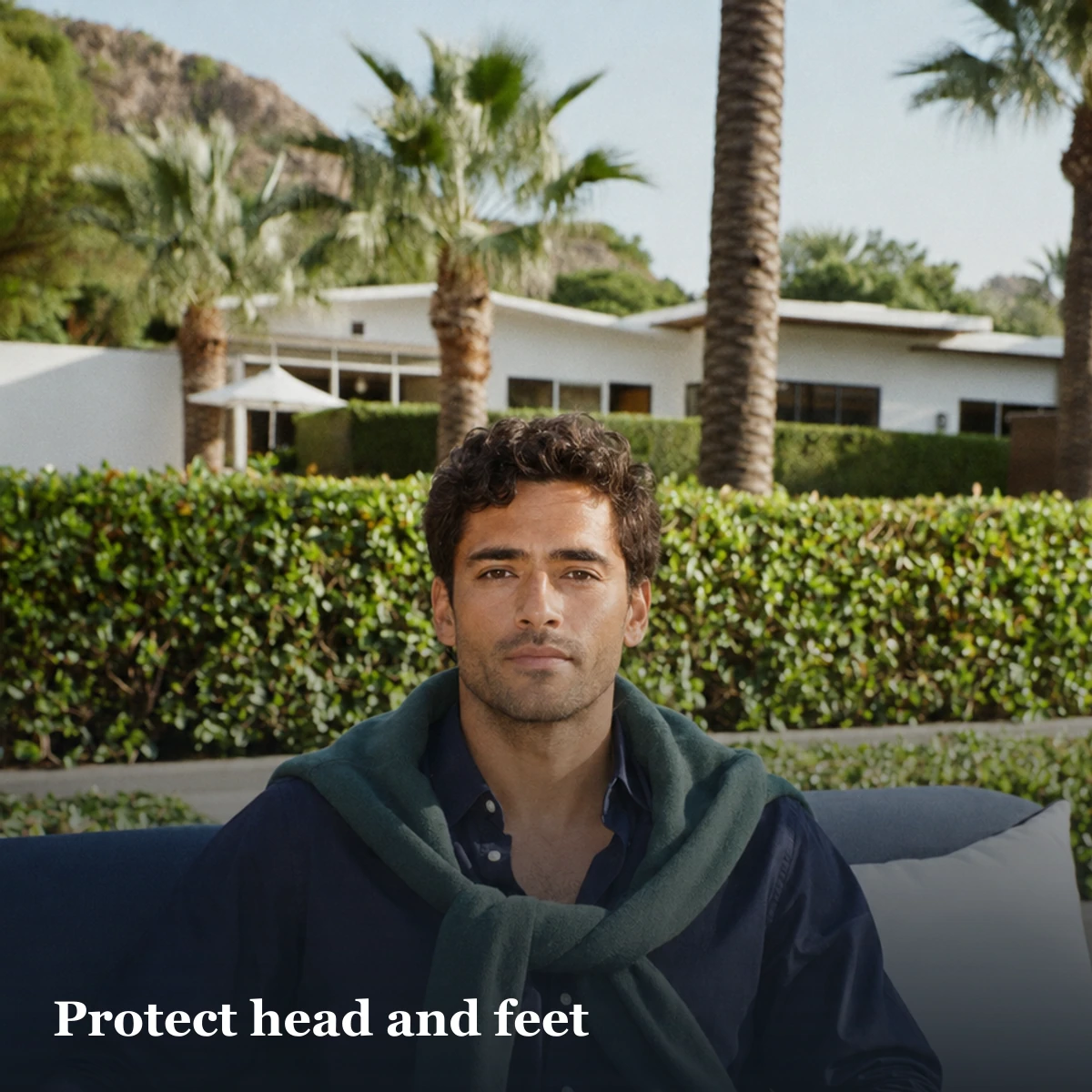
For a face portrait, preserve space above the hair and below the chin. For a full-body image, protect both head and feet and avoid placing hands on the edge. For activity photographs, keep the object that explains the action inside the central safe area. A crop that saves the face but removes the instrument, racquet or climbing wall can erase the reason the frame exists.
Preview after upload
Inspect the live card, thumbnail and expanded view on the actual app. Some surfaces can crop the same source differently, and interfaces change. If the app allows repositioning, confirm it after replacing the file. If it does not, return to the master and create a safer version rather than repeatedly compressing the already-cropped export.
Sources and limitations
- Bumble upload guidance, updated 7 September 2026 and checked 8 October 2026.
- Tinder Photo Enhance, updated in June 2026 and checked 8 October 2026; it documents a technical enhancement tool, not a crop ratio.
- Tinder Photo Tips, checked 8 October 2026; it describes set variety, not a permanent crop dimension.
- Hinge Selfie Verification, updated 14 July 2026 and checked 8 October 2026; its framing requirements apply to verification, not every display surface.
- Matchframe editorial method: safe areas, version naming, diagnostic steps and preview checks are conservative editorial guidance, not undisclosed Tinder, Bumble or Hinge specifications.
Frequently asked questions
What size should a Bumble profile photo be?
Bumble currently recommends a JPG or PNG up to 128 MB and ideally 1024 × 1024 pixels. Keep important details away from the edges and confirm the live preview.
Does Tinder publish an official photo ratio?
The current Tinder Photo Tips and Photo Enhance pages checked by Matchframe do not state one permanent upload ratio. Use a high-resolution master and inspect every Tinder preview before saving.
What size should a Hinge photo be?
Matchframe did not find a permanent general display size in the current official Hinge help pages checked. Hinge's no-cropped-head rule is specifically part of its Selfie Verification guidance, so preview ordinary profile photos in the app.
What aspect ratio should a dating photo use?
There is no verified universal ratio. Start with a high-resolution portrait master, leave a generous central safe area and preview it in the specific app and surface.
Why does my face get cut off on dating apps?
The source may be framed too tightly or the app may fill a different display area. Return to a wider original and leave margin around the hair, chin and shoulders.
How do I stop dating-app photos looking blurry?
Upload from the original high-quality export rather than a screenshot, forwarded copy or repeatedly saved derivative. Avoid extreme digital zoom.
Should I crop a landscape photo for a dating app?
Try a moderate portrait crop only when your face and the truthful activity context remain clear. Recapture or replace it when the subject becomes soft or the scene loses its meaning.
Should I add borders to stop a dating app cropping my photo?
Padding can preserve pixels but may create visible bars or be cropped differently on another surface. Test the live preview; a naturally wider source is safer.
Can I use AI to expand a cropped dating photo?
Do not invent missing hair, body parts, people, objects or locations. Use a wider real source or recapture the scene when a normal technical crop cannot preserve it.
Start with crop-safe output
Matchframe delivers portrait and lifestyle roles that you can preview and arrange for each app.
Open MatchframeAlso worth reading
- Natural dating-photo backgrounds in India
Local light, privacy and plausibility checks - Ask a friend to take dating-profile photos
A copyable request and twenty-minute shot plan - Audit your dating-profile photos
A private keep, repair or replace decision tool - How Matchframe researches and checks its guides
Evidence rules, AI assistance, comparisons, updates and corrections