Do-it-yourself guide
How to take dating profile photos alone: a phone workflow
Guidance and sources checked 4 September 2026 · by Muskan Singh · Editorial method
Quick answer. Stabilise your phone, choose a timer or remote you have tested, mark the phone and subject positions, and capture four different profile roles in short eight-frame blocks. Before the full session, compare your front and rear cameras at the same distance and crop. Use whichever produces the clearer, more accurate photograph on your phone.
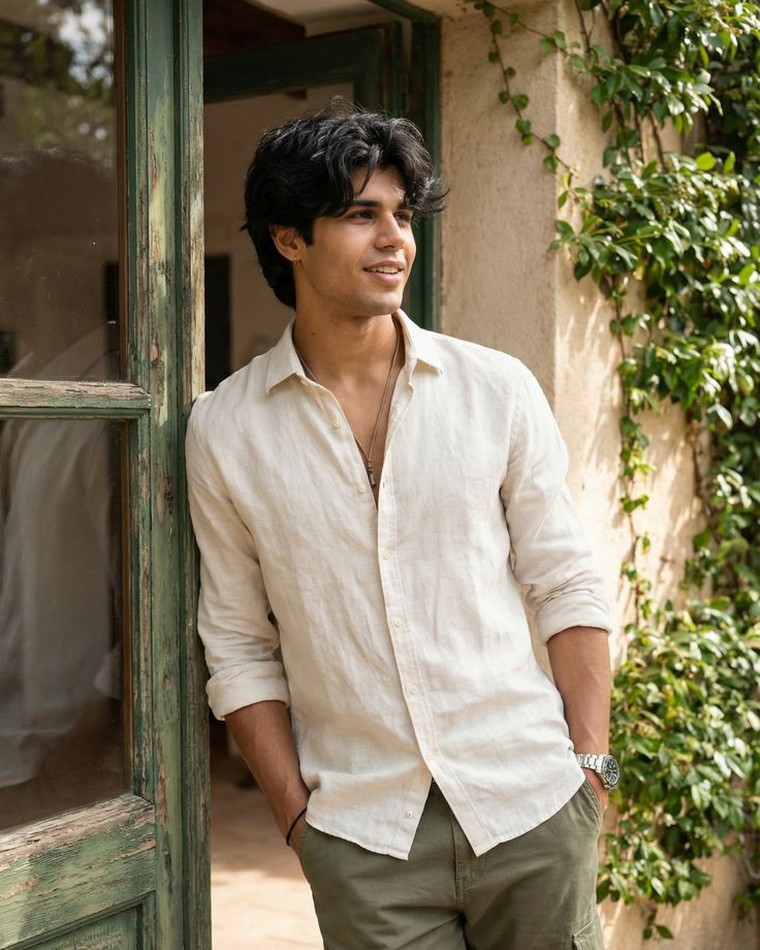
The ten-minute version
- Clean the lens and put the phone on a tripod, clamp or genuinely stable surface.
- Face a window or use open shade. Remove bright backlight and mixed-colour lamps.
- Mark the phone position, where you will stand and the edges of the frame.
- Take three front-camera and three rear-camera photographs from the same distance and crop.
- Choose the camera with the most reliable eye focus, natural proportions and usable exposure.
- Capture one eight-frame clear portrait block before changing the location or clothes.
- Reject blur, false-looking edits and duplicate roles; keep the original files.
If that first block works, continue to the 32-frame session below. If it does not, change only one variable: light, distance, phone height or focus. That way you can tell what solved the problem.
Do not automatically choose the rear camera
Rear cameras often offer different sensors and lenses, while front cameras make framing easier and may process faces differently. Those facts do not make either camera a universal winner. Run this six-frame test on the phone you will actually use:
- Fix the phone and your standing position. Do not hand-hold one version.
- Use the same light, expression and camera-to-face distance.
- Take three front-camera frames and three rear-camera frames.
- Crop the two sets so your head appears at roughly the same size.
- Compare eye sharpness, focus reliability, skin and background exposure, edge warping and whether your face still looks like you.
- Choose the easier reliable system. Repeat the test after a major phone or camera-software change.
A watch, second device or small mirror behind the phone can help you compose a rear-camera frame, but none is required. If the rear camera repeatedly misses focus because you cannot see the screen, a clear front-camera image is the better result for that setup.

Why camera distance matters more than a camera label
Very close cameras can change the apparent proportions of a face. A 2023 medical-photography study photographed 12 people at different smartphone and DSLR distances and quantified close-range midface distortion. That is useful evidence for avoiding an arm's-length close-up, but it was not a dating-app study and does not establish a perfect distance, focal length or match effect.
Start far enough away that the face does not fill the original frame. Make a chest-up test, move the phone farther back, and make a second version with the final head size matched by a light crop. If the farther version looks more like you and remains sharp, use that spacing. Full-length photographs naturally need more room. Avoid solving a cramped space with the widest lens when it stretches faces or bodies near the frame edge.
What equipment do you actually need?
| Need | Good option | Fallback | Stop condition |
|---|---|---|---|
| Stable support | Tripod or secure clamp | Wide shelf or weighted bag | The phone can slide, fall or block a path |
| Hands-free trigger | Built-in timer or watch remote | Tested Bluetooth shutter or device voice control | The accessory changes volume, loses connection or fires unpredictably |
| Position marks | Removable floor tape | Shoes, bag or a visible floor line | You cannot return to the same focus plane |
| Light | Window light or open shade | Bright, even room light | The face is silhouetted or colour shifts across the skin |
| Review | Phone gallery at full size | Laptop or tablet | You are judging only tiny thumbnails |
You do not need a ring light, portrait lens or paid camera app to begin. A clean lens, stable support and enough working distance solve more practical problems than buying equipment before testing the setup.
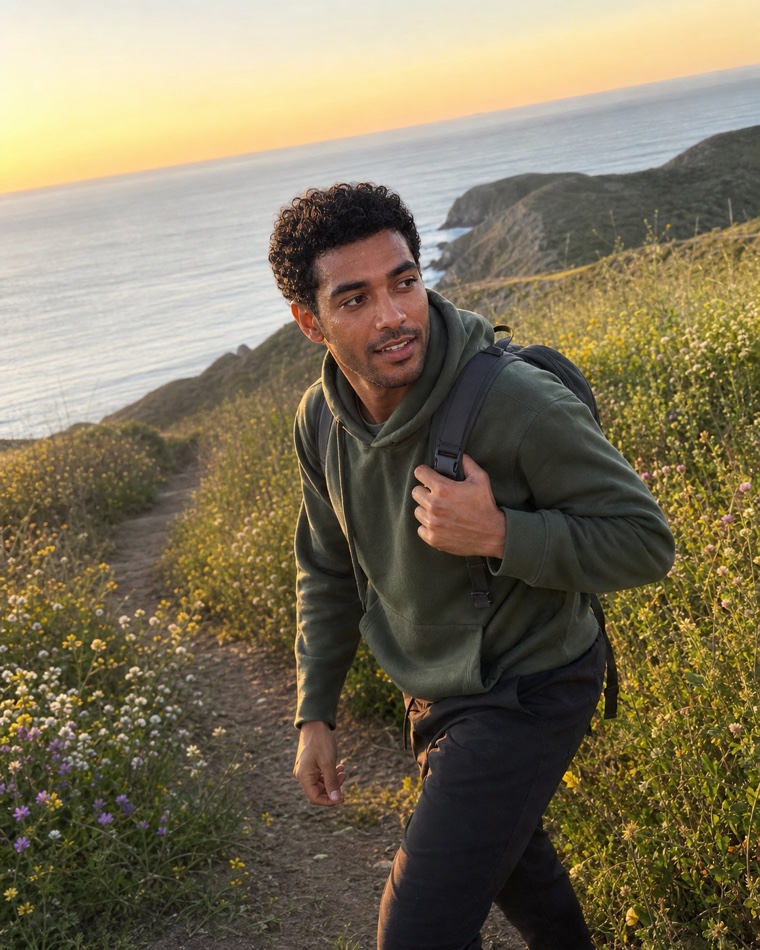
Choose a trigger that your phone supports
| Phone setup | Current documented options | Practical use |
|---|---|---|
| iPhone | 3, 5 or 10 second timer; compatible Apple Watch remote; Burst or Live Photos | Use the watch as a viewfinder when available, or use the longest timer that lets you settle |
| Google Pixel | Timer, supported voice countdown, compatible Wear OS remote and model-dependent Top Shot/Motion options | Confirm the feature on your Pixel model; use a normal timer when voice or watch control is unreliable |
| Samsung Galaxy | Model-dependent timer, voice, palm and volume-button controls | Check Camera settings on your model; do not assume the current S-series list applies to every Galaxy phone |
| Any phone | Built-in timer; a compatible, tested Bluetooth shutter | Take five test frames before leaving home and carry the timer as the fallback |
Live Photos, Motion photos, Burst and Top Shot can preserve nearby moments, but availability and resolution vary. They help you find a sharp expression; they do not know which image represents you best. A still exported from video may also have less detail or more compression than a normal photograph, so inspect the eyes at full size before using it.
Build a setup you can repeat
- Mark the camera: note the tripod feet or shelf edge so it does not drift.
- Mark yourself: put a removable mark where your front foot or chair belongs.
- Mark the frame: use the grid and a doorway, wall edge or floor line to remember the composition.
- Set focus: place a bag or stand at face position, tap it on screen and lock focus/exposure if your camera supports that control.
- Run a background sweep: look for mirrors, addresses, work badges, screens, documents, laundry and strangers before shooting.
- Make one test: check eyes, face exposure, horizon and crop at full size before capturing the block.
Phone height is a test, not a law. Start near face height for a clear portrait, then make a second controlled version a little lower or higher if needed. Keep the one that represents your proportions accurately and still shows the role of the photo. Do not use a dramatic low or overhead angle simply because a blog calls it universally attractive.
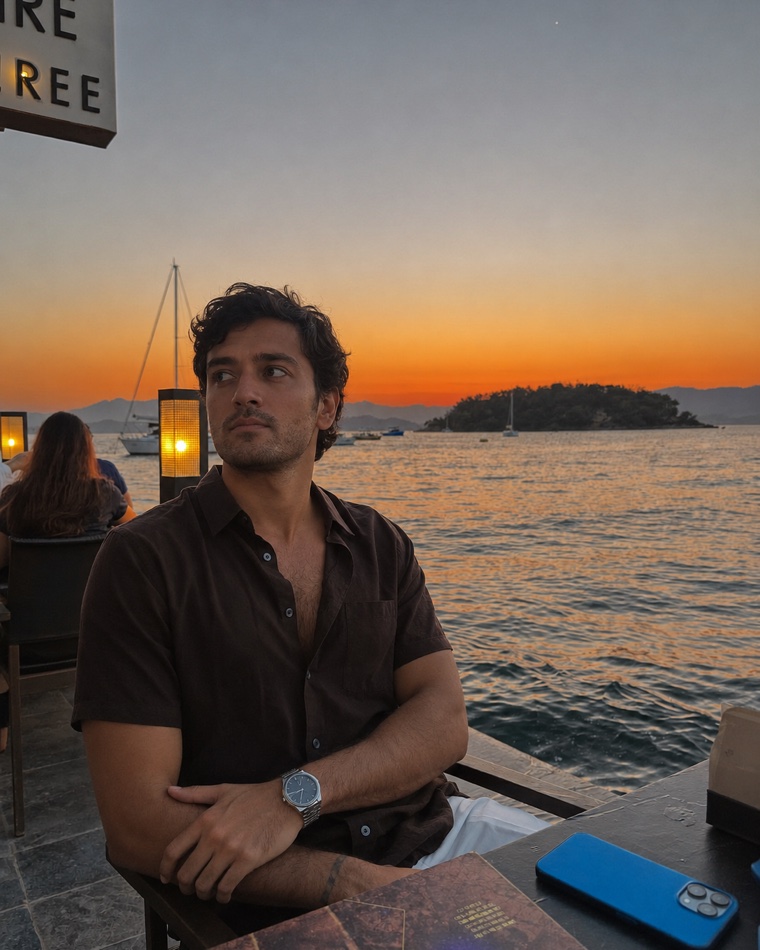
Run a controlled 32-frame solo session
Capture four blocks of eight frames. A block changes the role or setting; within the block, keep the phone, light and distance fixed. This is enough variation to find natural moments without producing hundreds of near-duplicates.
| Block | Profile role | Eight-frame sequence | What changes next |
|---|---|---|---|
| 1 | Clear opener | 2 neutral, 2 small smile, 2 direct eye line, 2 just past the lens | Keep the camera; change framing or setting |
| 2 | Full-length movement | 2 still, 2 step-and-stop, 2 turn, 2 walk-through | Keep clothes if useful; change location |
| 3 | Everyday seated moment | 2 settled, 2 look away, 2 return to lens, 2 small hand action | Change to a real activity |
| 4 | Specific activity | 2 setup, 2 action, 2 pause, 2 face-readable finish | Stop and review before adding more |
For exact body cues, use the separate dating-profile pose guide. For clothing choices, use the outfit test. This page owns the solo camera and review workflow, not a universal pose or outfit formula.
How do you look natural when nobody is behind the phone?
Use a small action that belongs in the setting: open a book you are reading, pour your own coffee, tune an instrument, prepare a real recipe or walk through a familiar route. Start the action before the shutter sequence and continue after it. The goal is not to fake a candid photograph; it is to give your attention and hands a real job.
Reset between frames. Drop your shoulders, breathe out, look away, then return to the camera or the task. A recorded voice note can give you simple cues without another person present. If the action hides your face, creates blur at the eyes or claims a hobby you do not have, reject it.
Review in three passes
- Technical pass: reject missed eye focus, motion blur, clipped face light, accidental ultra-wide stretching and obstructed faces.
- Identity pass: reject heavy filters, old-looking frames, false body or facial edits, and any image that does not look like you today.
- Profile-role pass: view the finalists together at small size. Keep distinct roles, backgrounds and framings; remove near-duplicates.
Research across two online studies with 610 participants found that unfamiliar selectors chose profile images that produced more favourable first impressions than self-selectors. It did not test this workflow or measure current app matches, conversations or dates. If someone is available later, ask one narrow question: “Which image is clearest and most like me?” Their answer is a useful identity check, not a ranking prediction. You can complete the technical and role passes without waiting for them.
Keep the originals. Make a favourites folder, export copies for the app and note which source file each crop came from. The dating-profile crop guide handles app-card preview and safe-area checks.
Safety and privacy are release gates
- Do not leave a phone unattended in public or balance it where it could fall onto someone.
- Do not block pavements, stairs, roads, entrances or emergency routes.
- Ask before using a tripod in a café, gym, shop, office or other managed property.
- Frame out bystanders, especially children, and stop if someone asks not to be photographed.
- Remove house numbers, vehicle plates, access cards, work screens, documents and live location clues.
- Check mirrors and reflective windows for private rooms, other people and the phone setup.
- Move indoors when weather, traffic, crowds or personal safety make the planned location unsuitable.
Do not turn a solo photograph into a false event
Normal exposure, colour and crop corrections can help a literal photograph read clearly. Do not add a pet, friend, landmark, luxury setting, uniform, activity or body change that was not present. If you use generated dating photographs, treat that as a separate workflow and screen the result for identity and truthful context. A generated scene is not evidence that you visited a place or performed an activity.
Troubleshoot one variable at a time
| Problem | Change first | Do not change yet |
|---|---|---|
| Eyes are soft | Focus target, subject mark and shutter stability | Clothes, pose and background |
| Face looks stretched | Increase camera distance and compare a matched crop | Beauty filters or face reshaping |
| Face is dark | Turn towards the light or remove bright backlight | Extreme shadow recovery |
| Every frame feels stiff | Use one real action and an eight-frame sequence | A new location for every frame |
| Remote is unreliable | Return to the built-in timer | The whole session plan |
| Final set looks repetitive | Replace a duplicate role, framing or setting | All technically strong photographs |
When should you stop doing it alone?
Use a friend when you need live expression cues, a moving activity is unsafe to self-record, or the location cannot hold a secure phone. The friend-shoot workflow explains that handoff. Use a photographer when a real event, sport, group or pet interaction must be captured safely and literally. Use a generated option only when its identity and context can remain truthful. The best next method is the one that fixes the remaining problem, not automatically the most expensive one.
Sources and limitations
- Apple iPhone camera setup, current iOS 26 guide checked 4 September 2026.
- Apple Watch camera remote, current watchOS 26 guide checked 4 September 2026.
- Apple Live Photos and Apple Burst guidance, checked 4 September 2026; capture features are not profile selectors.
- Google Pixel Camera capture guidance and Top Shot guidance, checked 4 September 2026; features vary by model and software.
- Samsung Galaxy S26 camera features, checked 4 September 2026; not applied to every Galaxy model.
- Quantifying Facial Distortion in Modern Digital Photography, 2023; 12-person medical-photography study, not a dating-outcome experiment.
- Choosing face: the curse of self in profile image selection, 2017; two online studies, not a current dating-app field test.
- Tinder Photo Tips, Bumble photo feedback and Hinge profile guidance, checked 4 September 2026; guidance and product features are not complete ranking disclosures.
Frequently asked questions
Can I take good dating profile photos by myself?
Yes. Stabilise the phone, test the trigger, mark your position and work through short capture blocks. Check focus, identity and set variety before uploading; no camera setup guarantees matches.
Should I use the front or rear phone camera?
Test both at the same camera-to-face distance, light and crop. Choose the camera that gives reliable eye focus, natural proportions and an accurate result on your phone rather than assuming the rear camera always wins.
How far away should my phone be?
There is no universal distance. Avoid an arm's-length close-up, compare a farther version with the head size matched by a light crop, and use the spacing that keeps facial proportions accurate and the eyes sharp.
How many photographs should I take in one solo session?
A useful starting plan is four blocks of eight frames: a clear opener, full-length movement, an everyday seated image and a real activity. The 32-frame plan is a workflow, not a proven ideal or match formula.
How can I pose naturally when nobody is taking the photo?
Give yourself one small real action, begin before the shutter sequence and reset between frames. Reject the image if the action hides your face or claims a hobby or setting that is not true.
Can I take frames from a video or Live Photo?
You can, but features and output quality vary. Inspect the eyes at full size because an exported video frame may have less detail or more compression than a normal photograph.
Do I need someone else to choose my photos?
No. Complete the technical, identity and profile-role checks yourself. If someone is available later, ask which finalist is clearest and most like you; treat that as an identity check, not a prediction of dating outcomes.
Is it safe to use a tripod in public?
Only when the phone is secure, the setup does not block a route, the property permits it and bystanders are kept out of frame. Move or stop when traffic, weather, crowds or personal safety make the setup unsuitable.
Want variety without seven solo shoots?
Matchframe turns a current source set into a complete dating-photo library for you to screen before posting.
Open MatchframeAlso worth reading
- Dating profile photo poses for men
Standing, sitting, hands and movement without stiffness - What men should wear in dating profile pictures
A four-test system for truthful, clear outfit choices - Tinder profile photos for men
Current Tinder tools, opener checks and flexible photo roles - Hinge profile photos for men
Four to six roles, prompt pairing, Top Photo and truth checks