Bumble photo guide
Bumble profile photos for men: size, rules and order
Guidance checked 5 September 2026 · by Muskan Singh · Editorial method
Quick answer. Use four to six current, varied photos or videos. Make the first image an unmistakable solo view of your face, then add body context, a real activity, an everyday or social setting and one specific detail that someone could ask about. Use six only when every slot adds new, truthful information. For upload, Bumble recommends JPG or PNG, up to 128 MB and ideally 1024 × 1024 pixels. Check the live crop because Bumble does not promise one fixed display ratio on every screen. A complete profile is not six versions of the same selfie.
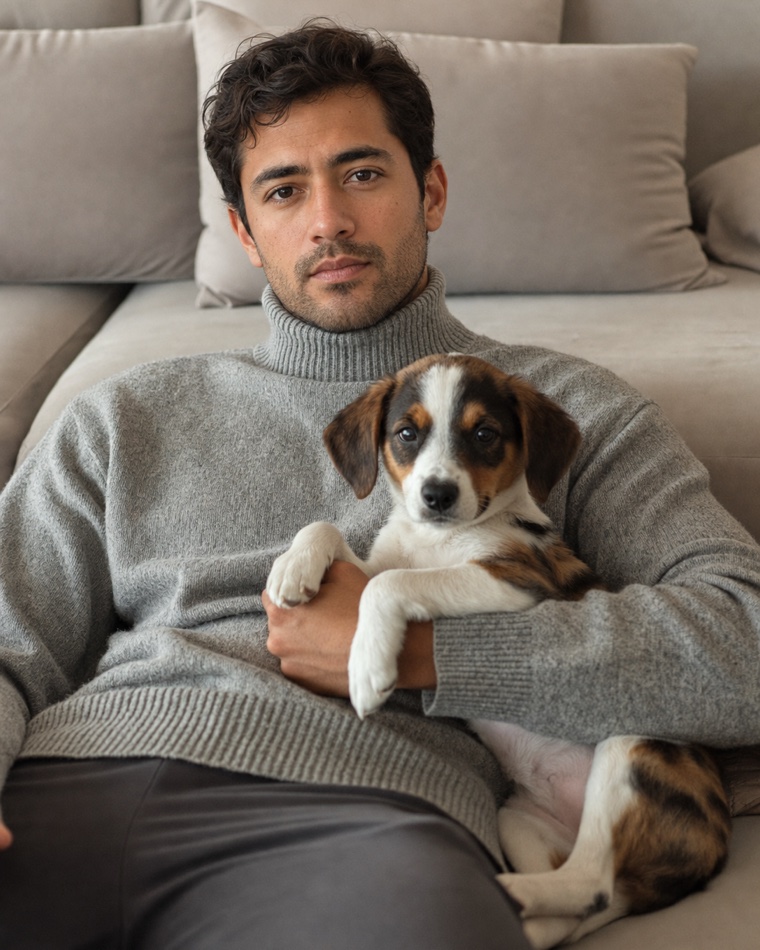
Check the set at profile-card size
Place the six images in their intended order and shrink the preview to phone width. Score the complete set, not each photograph in isolation.
- Photo one: only you, current face, visible eyes.
- Photos two and three: body context and one real interest.
- Photos four and five: a different place, outfit or social register.
- Photo six: one truthful detail that gives somebody an easy question.
Remove any image that repeats the same crop, outfit, expression and setting as another. A five-photo set with five distinct jobs is more informative than six near-duplicate selfies; add the sixth only when it contributes a new fact.
How many Bumble photos should you use?
Bumble currently permits up to six photos or videos and says four to six work best. In a March 2026 article, Bumble reported that profiles with six photos were nearly twice as likely to receive Likes as profiles with three. That is a useful first-party association, but the page does not publish the sample size, countries, observation period, adjustment method or whether stronger profiles were also more likely to be complete. It does not prove that adding three arbitrary images causes an individual profile to receive more Likes.
Use the remove-one test: hide the weakest candidate and read the profile again. If no useful fact disappears, that candidate is filler. Keep four or five strong items while you capture the missing role; add the sixth when it genuinely improves recognition, context or conversation.
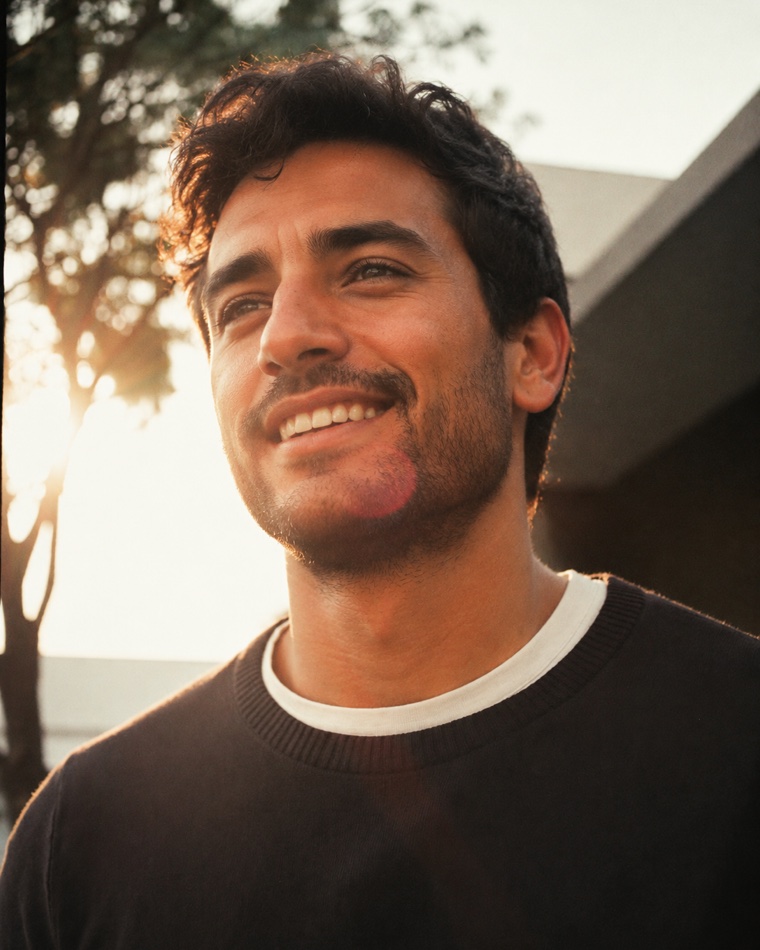
Start with the three jobs a Bumble photo set must do
| Job | Question | Strong evidence | Failure to repair |
|---|---|---|---|
| Recognition | Can a stranger identify me immediately? | A current face, visible eyes, sharp focus and one obvious subject | A group opener, distant face, old appearance, sunglasses or heavy alteration |
| Context | Does the set show a believable present life? | Real clothes, places, activities, people and routines | Six studio-like poses or an impressive scene you cannot explain |
| Conversation | Is there one honest, specific thing to ask? | A recognisable action, object, place, pet or occasion | A generic image whose only possible comment is about appearance |
The opener should be strongest on recognition. Later images can carry more context and conversation value, but you must remain easy to identify. A beautiful photograph that changes your current face, body or real life fails before style is considered.
Build the four-to-six-item Bumble role map
Bumble does not publish one mandatory order beyond requiring at least one solo full-face photo somewhere in the profile. The sequence below is deliberately conservative: establish identity first, then make each later item answer a different question.
| Role | Main job | Pass condition | Reject when |
|---|---|---|---|
| 1. Clear opener | Recognition | Solo, current, well lit and readable on a phone card | A viewer must zoom, compare faces or imagine your eyes |
| 2. Body and style | Complete presentation | A natural waist-up, three-quarter or full-length frame | The crop, pose or edit materially changes your build |
| 3. Real activity | Personality in action | You are doing something you actually do and can discuss | The prop or scene invents a hobby, skill or status |
| 4. Everyday context | Date-world realism | A believable cafe, neighbourhood, home, walk or weekend moment | The place is generic filler or implies ownership that is not true |
| 5. Social or warm detail | Relationship context | You remain obvious; other people consent; a shown pet is genuinely connected to you | The group is a guessing game or somebody did not approve public use |
| 6. Distinctive remainder | New information | A different expression, setting, story or short video earns the slot | It repeats the opener, outfit, background or fact |
If you have four strong items, use roles one through four and let prompts carry some missing detail. If you have six, do not make the last two decorative leftovers. For a cross-app count comparison, use the dating-profile photo-count guide.
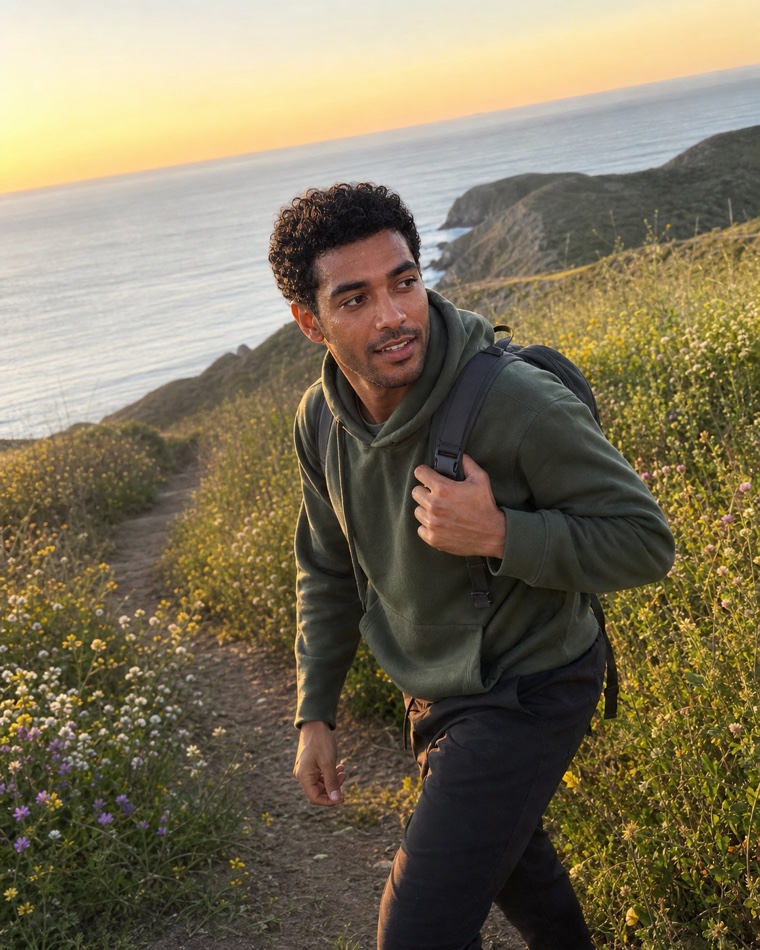
Choose the first Bumble photo with five gates
The first frame has one immediate job: make the current person behind the profile easy to recognise. Bumble's current upload guidance recommends bright, clear images with the face visible and no heavy filters. Its photo-feedback examples specifically suggest replacing a first-position group photo or selfie and removing sunglasses.
- Current: the face, hair, beard and apparent age match you now.
- Solo: nobody has to decide which person owns the profile.
- Visible: both eyes and the main facial features survive the crop.
- Sharp: the face remains clear at ordinary phone-card size.
- Natural: the expression and setting feel like a real moment, not an identity document or an advertisement.
Compare two finalists side by side at the same small size. Pick the one that is easier to recognise, not the one with the most impressive background. The first-photo chooser gives a repeatable pairwise method.
What is Bumble Best Photo?
Bumble's current upload page says Best Photo checks your photos and places the most popular one first. The page does not currently explain which uploaded items are tested, how “popular” is calculated, how long the test runs or whether the system changes by region or product version. Several online guides confidently say it tests only the first three or continuously reallocates traffic, but the current public Bumble page reviewed for this guide does not establish those details.
Use Best Photo as an optional ordering aid after selection, not as quality or truth verification. Every candidate that could become first must pass the five opener gates. If a blurry selfie, confusing group or misleading generated image is in the set, automation does not make it safe.
For a controlled manual check, record the date, the exact set and whether Best Photo is on. Do not replace photos, rewrite prompts, widen preferences and buy Spotlight at the same time. Bumble does not expose a full scientific experiment to you, so treat any result as directional, not causal proof.
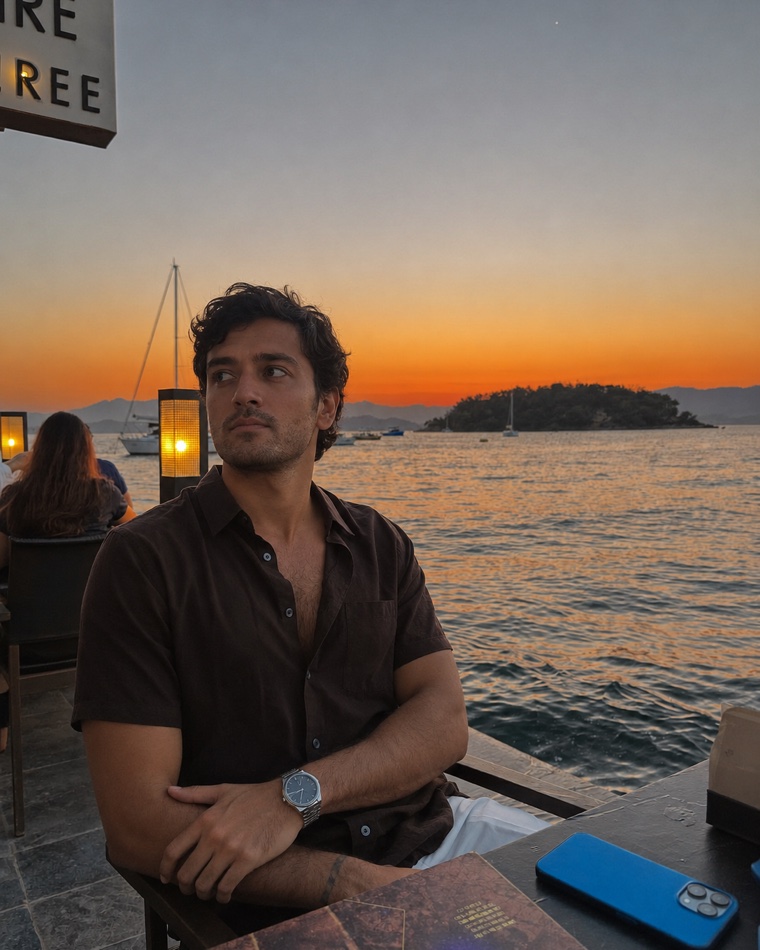
Use Bumble's photo feedback without over-reading it
Bumble says some members may see AI-powered suggestions about general visual elements such as whether a picture is outdoors, a group activity or a selfie. Its examples include adding variety, a full-length image, an outdoor moment or hobby; replacing blur, mirror selfies, first-position groups, duplicate images or a main selfie; and including a photo without sunglasses.
The feature is still described as a test. Bumble says the feedback is advisory, visible only to the member and not used to identify a person, compare faces or infer sensitive information. Bumble names AWS as a service provider for this feature and says AWS deletes the submitted image after feedback is delivered. That deletion statement is about photo feedback; it should not be expanded into a claim about verification, normal uploaded profile media or every Bumble data flow.
Treat a suggestion as a diagnosis to inspect. If Bumble says “duplicate,” ask which new fact is missing. If it says “group,” first check identity and consent. If it says “selfie,” replace the repeated camera distance or context rather than assuming every selfie is automatically disallowed.
Make photos and prompts add different information
Bumble currently allows up to three profile prompts. A prompt can be answered in text or paired with a photo, and Bumble provides a profile preview showing photos, bio and other details together. Use that preview as an editing surface: the unit you are improving is the full profile, not a folder of isolated images.
| Profile item | Best use | Weak repetition | Stronger pairing |
|---|---|---|---|
| Activity photo | Show the real action | Prompt: “I like hiking” | Prompt: one specific trail, ritual or beginner story |
| Food or cafe photo | Show atmosphere or a dish | Bio: “Foodie” | Prompt: the meal you make or place you return to |
| Pet photo | Show a genuine relationship | Prompt: “Dog person” | Prompt: the pet's real habit or how you know it |
| Dressed-up frame | Show range in style | Prompt: “I clean up well” | Prompt: a value, plan or humour the image cannot show |
Write one short phrase for the fact carried by each photo and each prompt. If the same noun appears three times, keep the most specific version and free the others. This creates more reply paths without manufacturing a busier life.
Create a truthful conversation hook
A hook is a visible detail with a real answer behind it. It is not a luxury prop or invented event added only to look interesting. Before uploading a contextual photo, write the simplest question somebody might ask and your honest response.
| Visible detail | Natural question | Truth check | Privacy check |
|---|---|---|---|
| A dish you made | What are you cooking? | You can name it and describe what happened | No private address or work screen is visible |
| A local walk or view | Where is that? | You have actually been there and can explain why | Do not expose your home or daily route |
| A sport or creative practice | How did you get into it? | The activity and your ability are represented honestly | Other participants approved the image |
| A pet | What is their name? | The animal is yours or the real relationship is easy to state | No borrowed-pet impression |
If your answer begins with “actually, that was generated” or “that is not my dog,” the frame needs replacement or clear context. Use the pet-photo honesty check for the full decision.
Separate normal profile photos from Photo Verification
Bumble says Photo Verification is mandatory in the United States and optional outside the United States unless Bumble requests it for safety reasons. The process asks for a selfie and uses automated and human review to compare it with profile photos. The verification selfie is stored with other uploaded photos but is not shown on the profile.
For a verification attempt, Bumble advises good lighting, a clearly visible face, no hats, sunglasses or filters and following any requested pose. Those are verification instructions, not proof that every public photo must look like a passport photograph. A varied profile can still include full-length, activity and social context after at least one unmistakable solo face image establishes identity.
Generated images create an additional practical risk: even when a frame looks polished, material changes to facial structure, apparent age or body can conflict with both recognition and verification. Keep enough current real-photo evidence to represent yourself honestly.
What do Bumble's guidelines prohibit?
Bumble requires at least one profile photo that shows only the member and clearly shows the full face. Its Community Guidelines do not permit profile photos that are so heavily distorted or unnaturally edited that identity cannot be determined, images made mainly of text, children shown alone or unclothed children. The wider rules also prohibit nudity or sexually explicit public-profile content, impersonation and misrepresentation, unauthorized automation and several kinds of unsafe content.
- Identity: the current person remains recognisable across the set.
- Context: a place, activity, pet, relationship, possession or lifestyle is not invented.
- Consent: people shown agreed to public dating-profile use.
- Privacy: addresses, tickets, number plates, access badges, work screens and children's identifying details are not exposed.
- Safety: reject nudity, dangerous or prohibited content before deciding whether a frame looks good.
AI assistance is not a permission slip. Use only an image that reflects your current appearance and a believable life. The AI dating-photo authenticity guide applies the recognition, context and meeting tests in detail.
What size and aspect ratio should Bumble photos use?
Direct answer: Bumble currently recommends JPG or PNG files up to 128 MB and ideally 1024 × 1024 pixels. Bumble presents that as an upload recommendation; it does not publish one guaranteed display ratio for every card, thumbnail and device. Start with a high-resolution, square-friendly master, keep eyes, face, hands and important context away from the edges, then inspect the actual in-app preview.
- Check the opener at normal phone-card size without zooming.
- Open the full profile and confirm every face and body crop remains honest.
- Read photos, bio and prompts in the exact order another member sees them.
- Move or replace anything that depends on a caption to explain who or what is shown.
If a face, hand, pet or activity keeps getting cut off, repair the master image instead of saving screenshots of screenshots. The dating-photo crop guide shows the reversible workflow.
Run the 15-minute Bumble profile audit
- Minute 0–3: recognition. Remove old, blurry, hidden-face and “which person?” images.
- Minute 3–6: role labels. Label each survivor opener, body, activity, everyday, social or distinctive. Delete duplicated roles before adding new media.
- Minute 6–9: truth. Say aloud what every frame appears to claim. Replace anything you could not explain comfortably on a first date.
- Minute 9–12: reply paths. Write one real question for each context image. Let the opener focus on recognition.
- Minute 12–15: full preview. Review photos, prompts and bio together; check crop, privacy, consent and repetition.
If a role is missing, capture one controlled replacement with the solo phone workflow, the friend-shoot brief or the natural-pose guide.
What should you change first?
Change the clearest observable failure, one item at a time. A confusing opener is first. Next come outdated likeness, repeated camera distance, missing body context, false or private context and prompts that duplicate the photos. Record the date and the exact change. Do not treat the next Like as proof: location, preferences, activity, timing, paid visibility and the rest of the profile may all move.
| Observed problem | First repair | Do not assume |
|---|---|---|
| All photos are close selfies | Add one honest body or activity frame | That changing a background creates real variety |
| The opener is a group | Move it later and lead with a current solo face image | That a caption removes visual confusion |
| Best Photo selects a weak image | Remove that candidate or turn the feature off | That popularity verifies truth, crop or identity |
| Prompts repeat every hobby photo | Keep the strongest visual and use prompts for new information | That repetition proves passion |
| A generated scene looks impressive but false | Replace it with truthful context | That visual realism makes misrepresentation acceptable |
| The profile is quiet | Check visibility, preferences and profile completeness separately | That one photo proves an undocumented penalty or “shadowban” |
For a quiet profile, use the no-matches diagnostic before blaming photos. It separates observable account and preference checks from photo conversion.
Claims from other Bumble guides we did not copy
Five competing Bumble photo guides were reviewed in full for structure and coverage. Clear tables of contents, visible examples, direct answers and practical checklists are useful patterns. Several claims were not adopted because the pages did not provide enough current evidence.
- No claim that Best Photo definitely tests only the first three items.
- No claim that one full-body opener universally beats a clear face opener.
- No promise of movement in 48–72 hours, double or triple matches, or a fixed outcome.
- No claim that gym, car, pet, travel or group images always help or always hurt.
- No invented Bumble algorithm rule, attractiveness score or exact pose formula.
The goal is a profile a real person can recognise, understand and answer; not an article that sounds certain where Bumble's public evidence is limited.
Final Bumble release checklist
- Four to six photos or videos are present, and each adds new information.
- The opening image is current, solo, sharp and easy to recognise at phone size.
- At least one item supplies honest body context and one shows a real activity or routine.
- Every person shown consented; every pet, place, object and activity can be explained truthfully.
- Photos, bio and up to three prompts do not repeat the same facts.
- The in-app preview has been checked for crop, sequence and hidden private details.
- Every possible Best Photo candidate is safe enough to appear first.
- Generated or edited images still match the person someone will meet.
Official sources and limits
- Bumble: Uploading profile photos and videos, updated 7 September 2026 and checked 9 September 2026; establishes current count, upload, file-size and general photo guidance plus Best Photo, not a fixed display ratio or ranking formula.
- Bumble: Providing feedback on your photos, updated 8 September 2026 and checked 9 September 2026; describes an advisory test and its stated data handling, not a prediction of individual outcomes.
- Bumble: What its data says about adding photos, updated 19 March 2026 and checked 4 September 2026; first-party aggregate association without a published full method.
- Bumble: Adding profile prompts, updated 29 July 2026 and checked 4 September 2026; establishes current prompt and preview functions, not causal match evidence.
- Bumble: Verifying your photos, updated 17 July 2026 and checked 4 September 2026; verification instructions do not create a universal public-photo style rule.
- Bumble Community Guidelines, checked 4 September 2026; establishes current profile and safety boundaries, not moderation or engagement predictions for an individual image.
Frequently asked questions
How many photos should a man use on Bumble?
Bumble permits up to six photos or videos and says four to six work best. Its March 2026 aggregate article reports that profiles with six were nearly twice as likely to receive Likes as profiles with three, but does not publish a full method or guarantee an individual result.
What size and aspect ratio should Bumble photos use?
Bumble recommends JPG or PNG photos up to 128 MB and ideally 1024 by 1024 pixels. It does not promise one fixed display ratio on every surface, so leave space around important details and confirm the live in-app crop.
What should the first Bumble photo be?
Use a current, well-lit solo image where the face and eyes remain clear at phone size. Bumble's photo-feedback examples suggest replacing first-position groups, main selfies, blur, sunglasses and heavy repetition.
What is Bumble Best Photo?
Bumble says Best Photo checks your photos and puts the most popular one first. Its current public upload page does not explain which items are tested, the measurement method or test duration, so treat it as an ordering aid rather than a quality guarantee.
Does Bumble Best Photo test only the first three photos?
The current public Bumble upload guidance reviewed here does not say that. Some third-party guides make the claim, but Bumble's current page only says Best Photo checks your photos and places the most popular one first.
Should Bumble photos and prompts repeat the same interests?
No. Bumble allows up to three prompts and lets a prompt be paired with a photo. Use each photo, bio section and prompt to add different but compatible information, then check the complete in-app preview.
Can AI-generated photos be used on Bumble?
Bumble requires accurate representation and prohibits identity-obscuring distortion and misrepresentation. Use only images that preserve your current identity and do not invent a place, activity, relationship, body, possession or lifestyle.
Are Bumble Photo Verification rules required for every profile photo?
No. Good lighting, a visible face and no hats, sunglasses or filters are instructions for the verification selfie. Public profiles can still contain truthful full-length, activity and social context after a clear solo identity photo.
How do I audit my Bumble photo set?
Check recognition at phone size, label every item's role, remove duplicates, verify every implied fact and permission, map photos against prompts, preview the live crop and change only the clearest observable weakness first.
Need distinct Bumble roles, not six polished duplicates?
Matchframe creates a varied dating-photo library from one current identity so you can screen every candidate for recognition, context and truth.
Open MatchframeAlso worth reading
- Matchframe vs DatePhotos.AI
Price, output, delivery, refunds and data retention - Choose the best first dating-app photo
Five rejection gates and a pairwise phone-size chooser - Dating-profile photo mistakes men can fix
A repair-order audit instead of random tips - How many dating-profile photos do you need?
A role-based answer with current app requirements